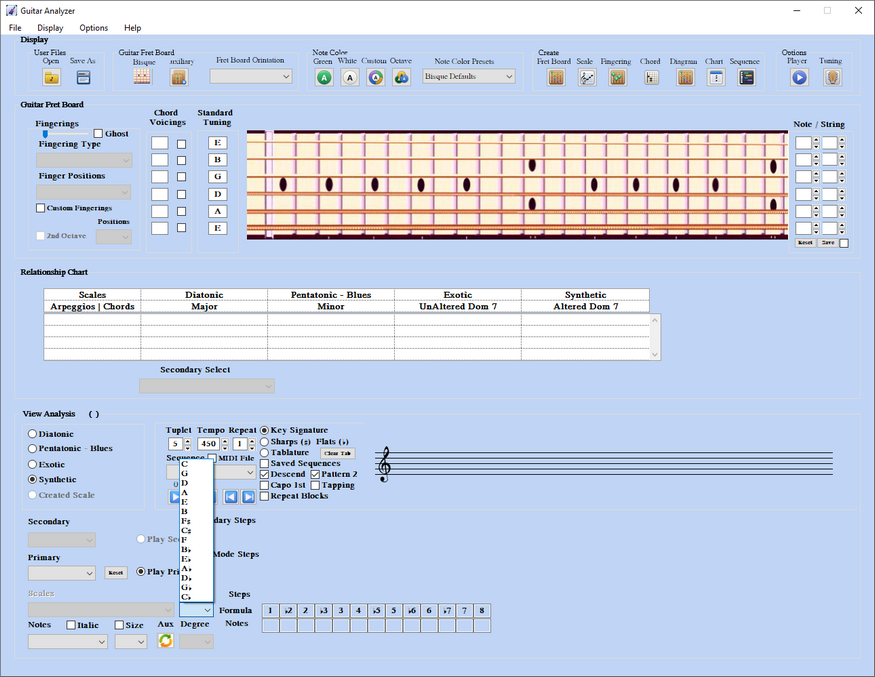
Key Select
Key Select
The Key popup sets the tonic for the analysis. Two other controls change what appears in that list and how notes are spelled on the staff: the Notes popup (Sharps or Flats) and the music-staff radio buttons (Key Signature or Sharps / Flats).
2A) Sharps and Flats
Sharps / Flats spelling loads keys as accidental lists. Use this when you want a chromatic sharp or flat view rather than circle-of-fifths key signatures.
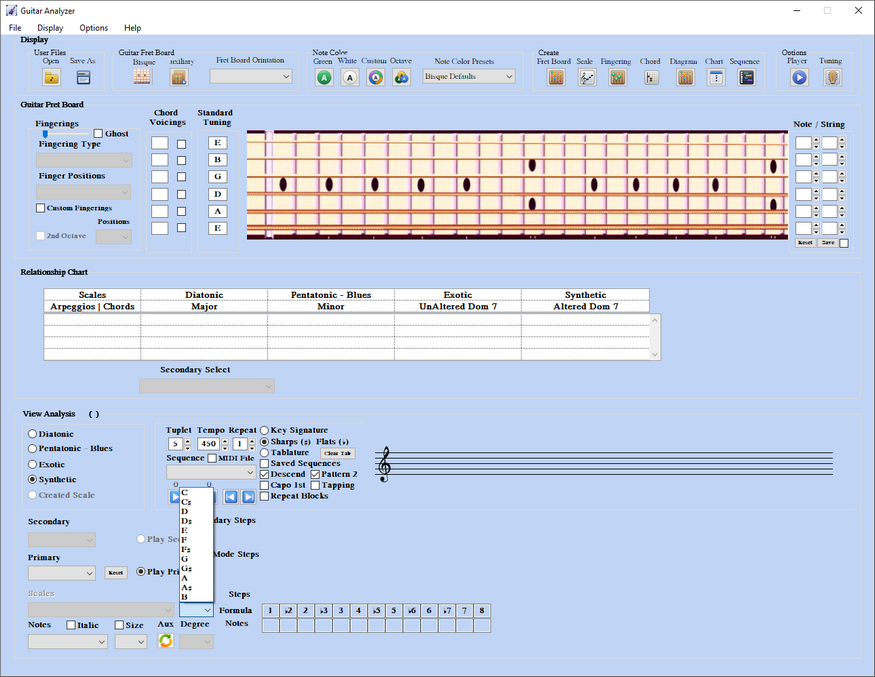
2B) Key Signature
Key Signature orders the Key popup in circle-of-fifths order and spells the staff with the matching signature. This is the usual choice for diatonic and mode work.