Secondary Select
Secondary Select
1A) Secondary Select chooses the specific matching scale, arpeggio, or chord. The popup lines up under the Relationship Chart column for the active category or degree.
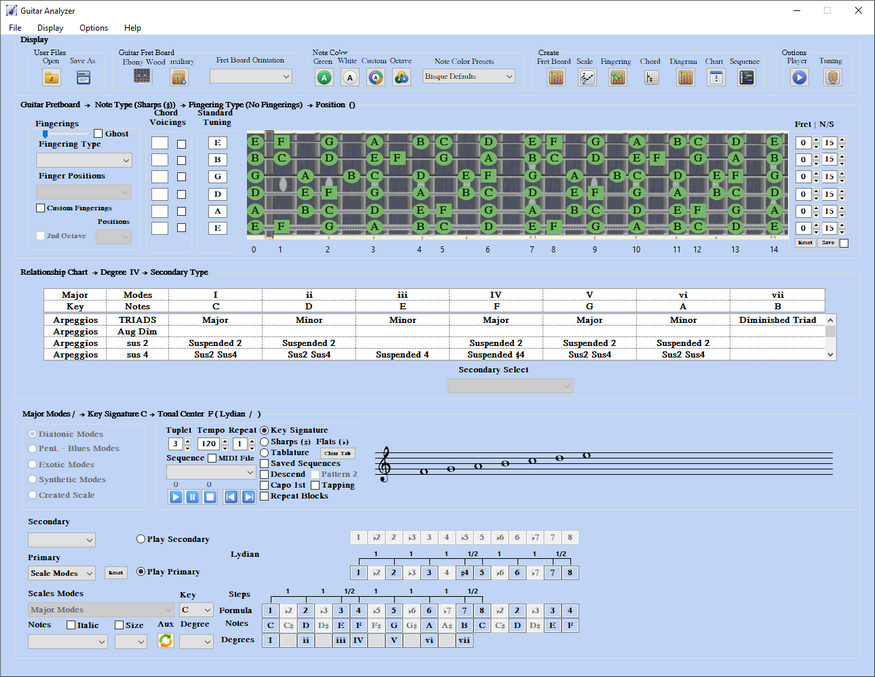
1B) From Primary type Scales
Example: Primary (Scales) > Key (C) > Secondary (Scales) > Pentatonic–Blues > Secondary Select (Sus4 Maj6 Pentatonic (MP5)).
That category can list several matches, such as Major Pentatonic (MP2), Sus4 Maj6 Pentatonic (MP5), and Maj3 Pentatonic (M3P3).
The secondary formula loads above the primary formula. Bordered notes on the fretboard are the secondary tones. On the staff, secondary notes appear to the right of the primary notes. The caption shows the full path.
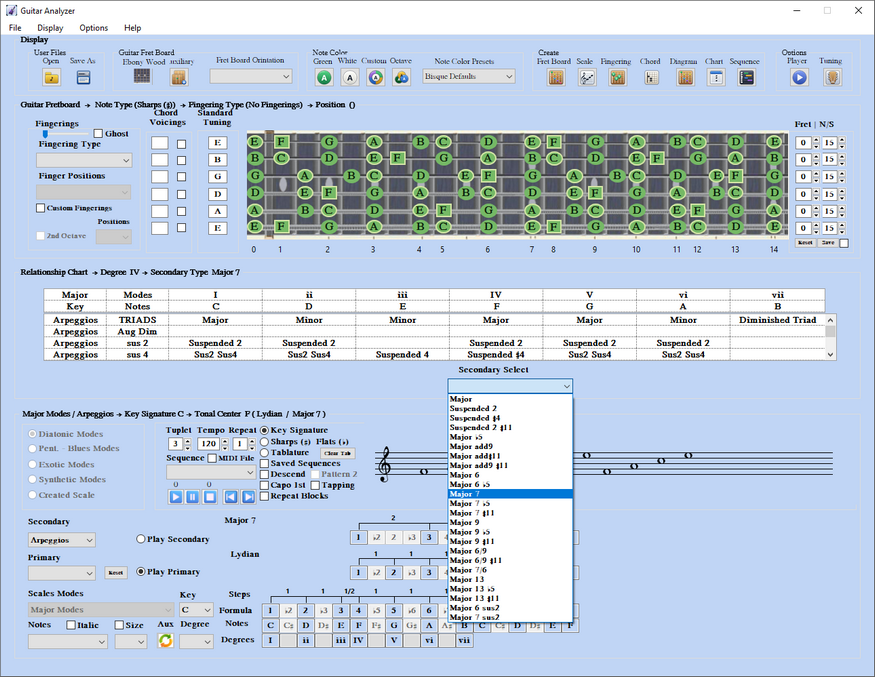
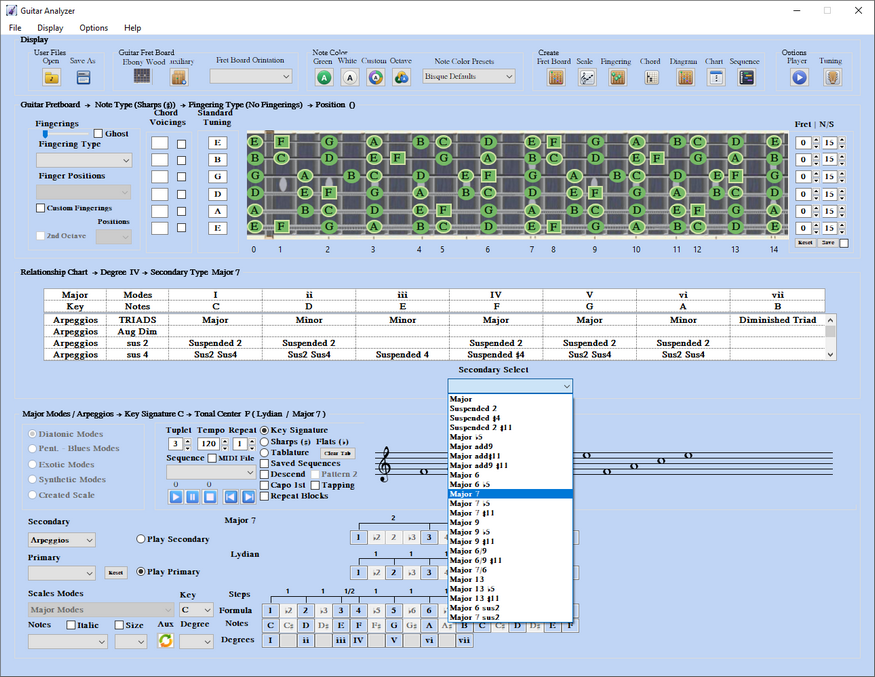
1C) Arpeggio example: Primary (Scales) > Key (C) > Secondary (Arpeggios) > Major > Secondary Select (Major7).
The four category labels become Major, Minor, Unaltered Dom7, and Altered Dom7. Select Major, then Major 7 from Secondary Select.
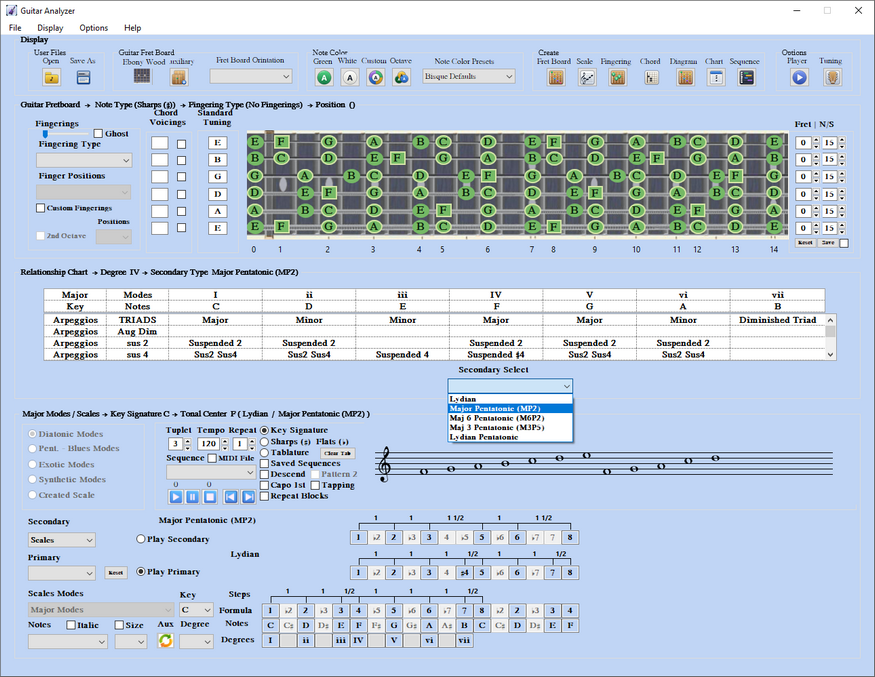
1D) From Primary type Scale Modes
A third formula row appears: the mode tonal center. Example for Degree IV of C Major: C Major on the bottom, F Lydian in the middle, and F Major Pentatonic (MP2) on top. Bordered notes outline the pentatonic inside Lydian.
Path: Primary (Scale Modes) > Key (C) > Scale Mode (Major Modes) > Degree (IV) > Secondary (Scales) > Secondary Select (Major Pentatonic (MP2)).
1E) Chord example: same path with Secondary (Chord) > Secondary Select (Major7) > Chord Type > Major 7 Bar (2).
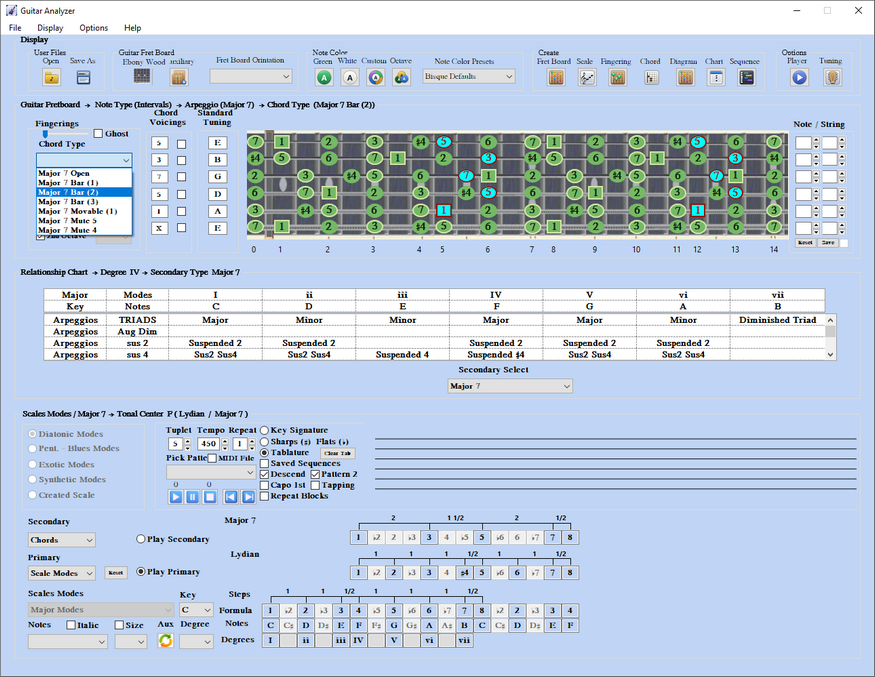
1F) Full mode match list
The chart can show the complete match list for a mode family (Major Modes in the example). It scrolls eight rows at a time so the window still fits common screen sizes.
