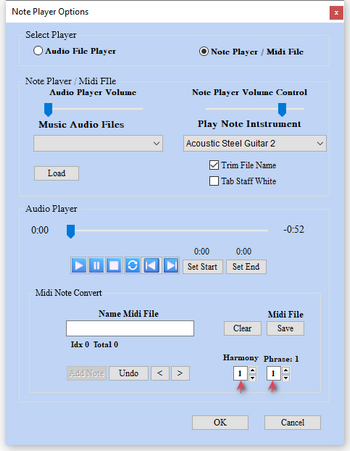
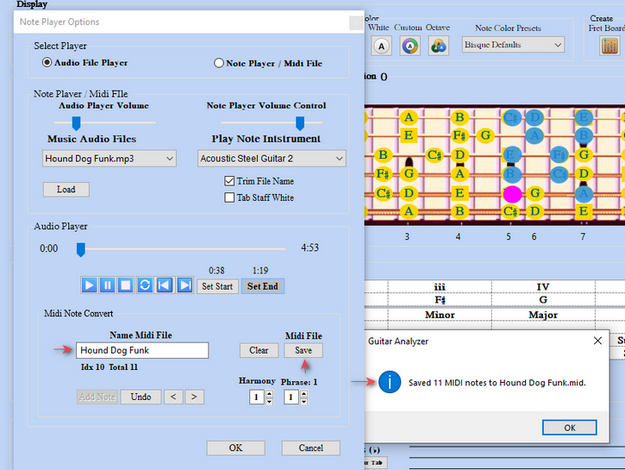
Note Player Options
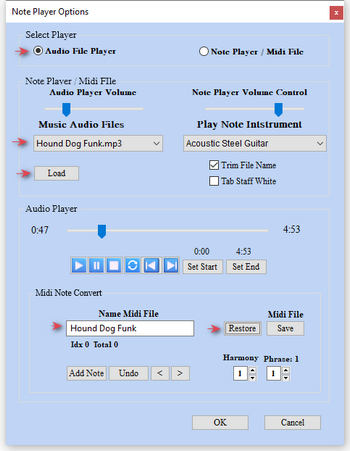
1) Note Player Options
1a) Note Player 1b) Audio Player
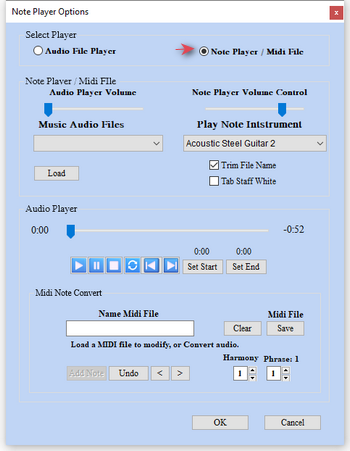
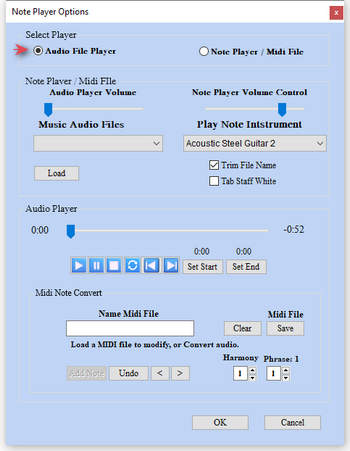
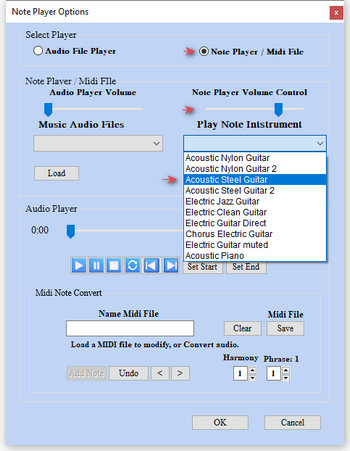
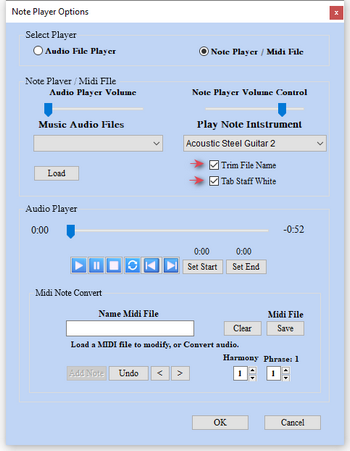
2) Note Player Instrument
2a) Select & Volume Control 2b) Trim Midi File Name, White Staff Back Color
3) Create Midi File
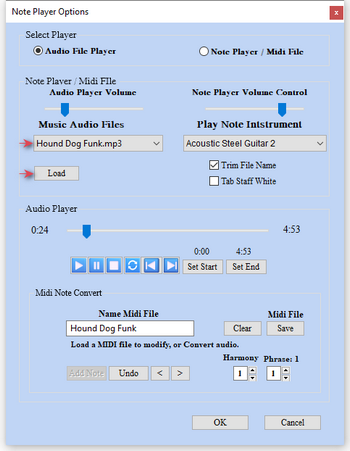
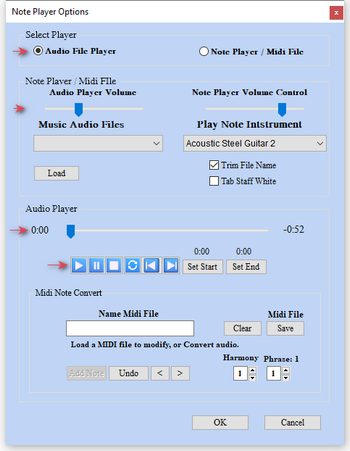
3a) Load Audio MP3 File 3b) Audio Player Volume & Player Controls
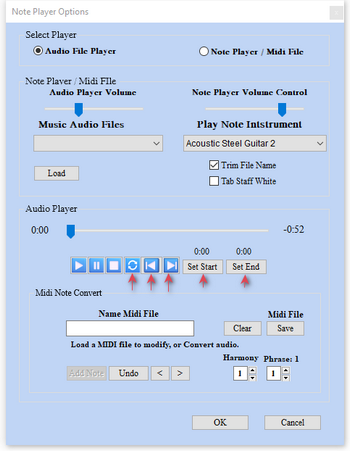
4) Audio Player Set Loop Points - Turn on loop. Loop adjust step Forward & Backward. Start & Stop loop points,
5) Create a Midi File 5a) Adding selected notes 5b) Selected note color tracks
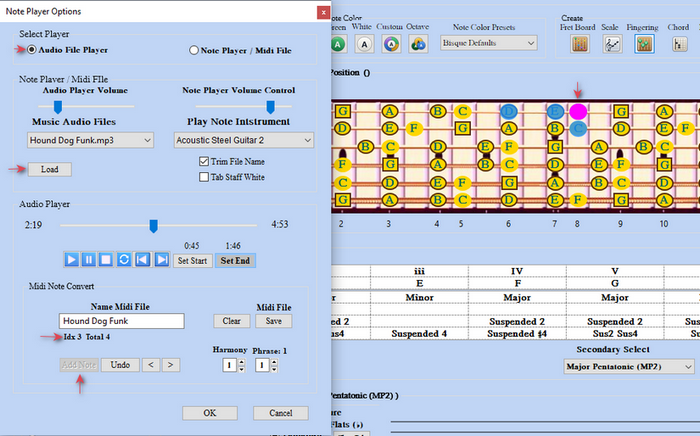
6) Saving a Created Midi File
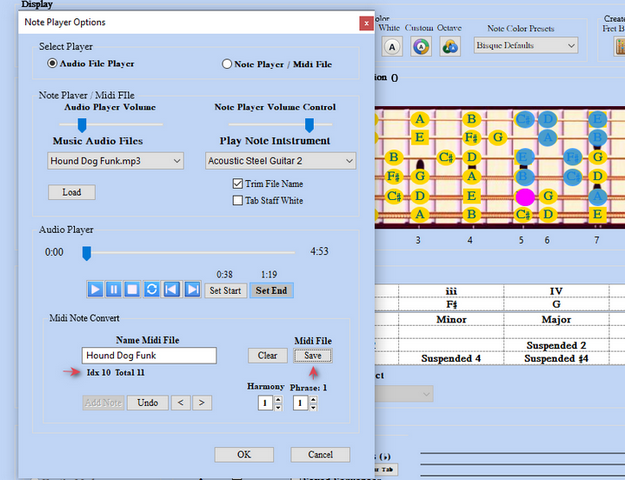
7) Save Midi File to Directory
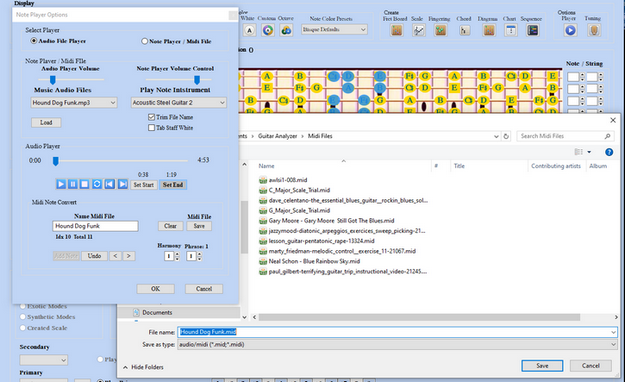
8) Final Midi File Save
9) Harmony group notes plays notes together. Phrase group numbers to notes